Portainer
Install Immich using Portainer’s Stack feature.
- Go to Stacks in the left sidebar.
- Click on Add stack.
- Give the stack a name (for example
immich), and select Web Editor as the build method. - Copy the content of the
docker-compose.ymlfile from the GitHub repository. - Replace
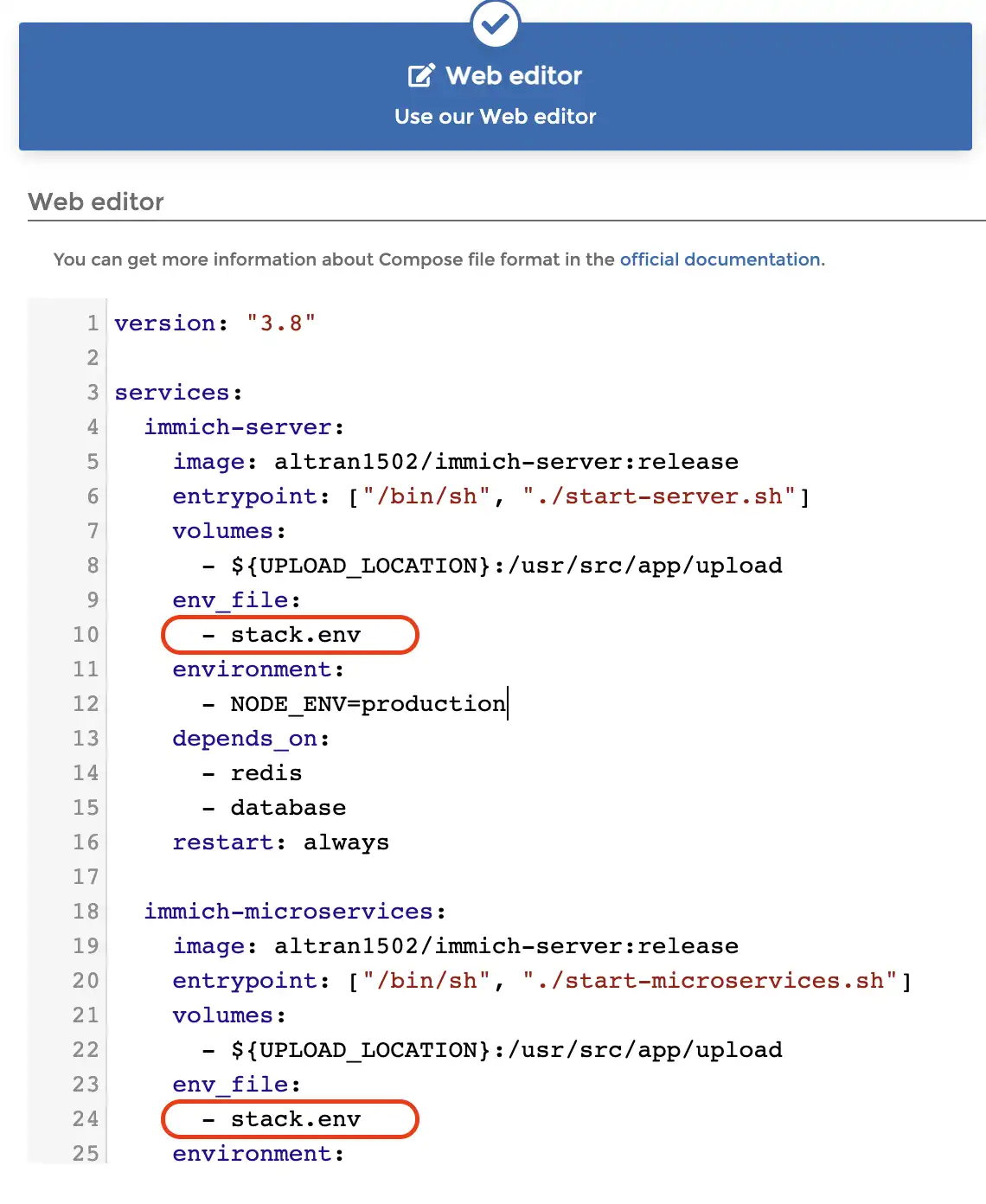
.envwithstack.envfor all containers that need to use environment variables in the web editor.
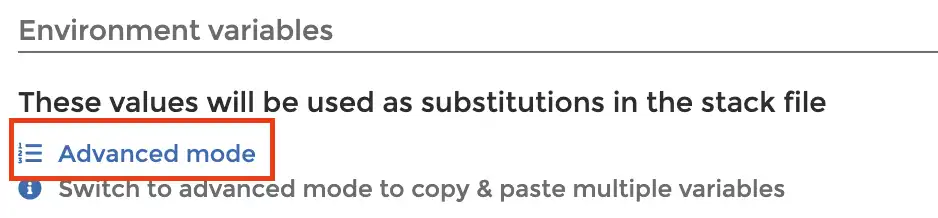
- Click on Advanced Mode in the Environment Variables section.
- Copy the content of the
example.envfile from the GitHub repository and paste it into the editor. - Switch back to Simple Mode.
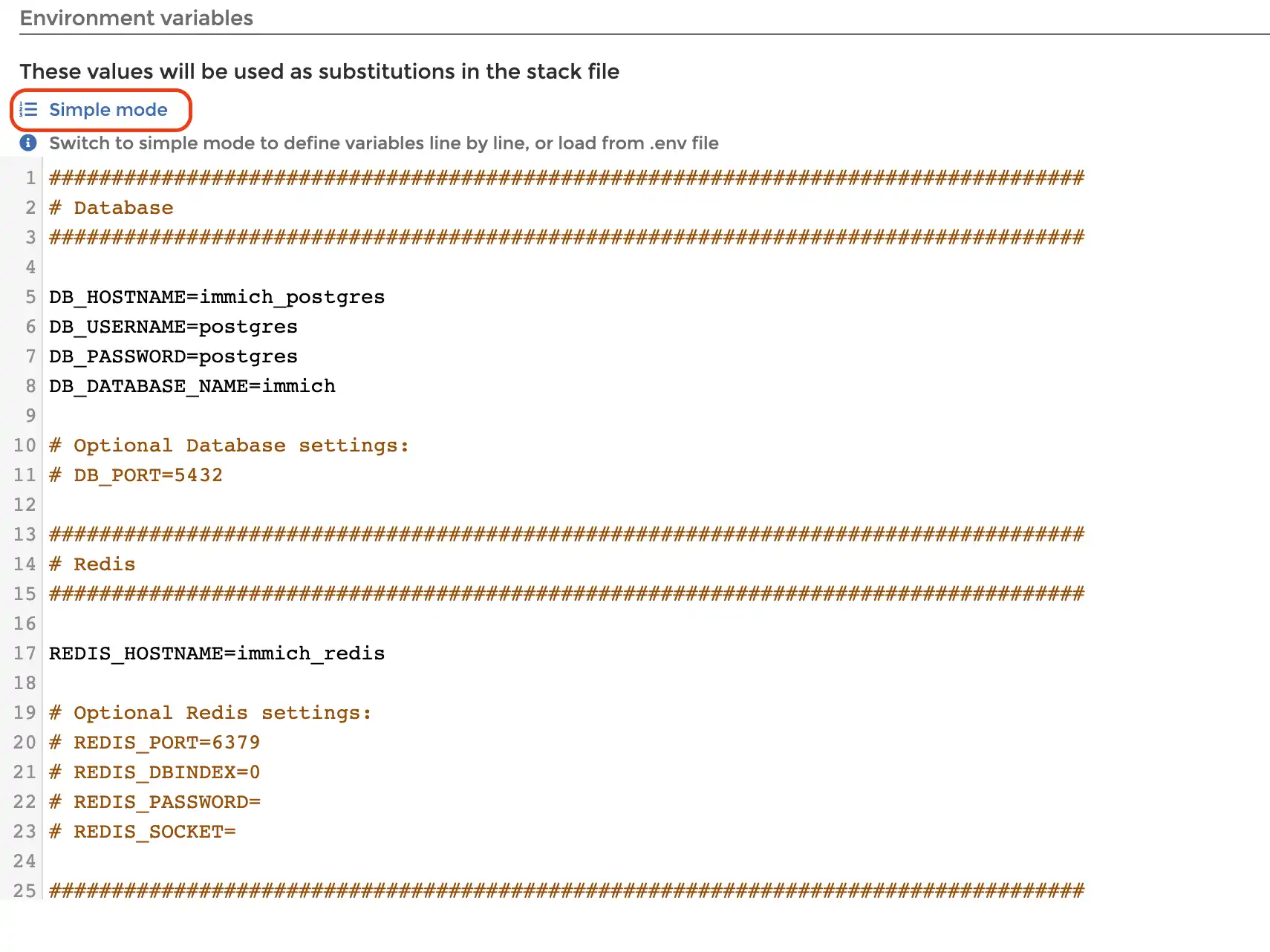
- Change the default
DB_PASSWORD, and add custom database connection information if necessary. - Change
DB_DATA_LOCATIONto a folder (absolute path) where the database will be saved to disk. - Change
UPLOAD_LOCATIONto a folder (absolute path) where media (uploaded and generated) will be stored.
- Click on Deploy the stack.
TIP
For more information on how to use the application, see the Post Installation guide.